


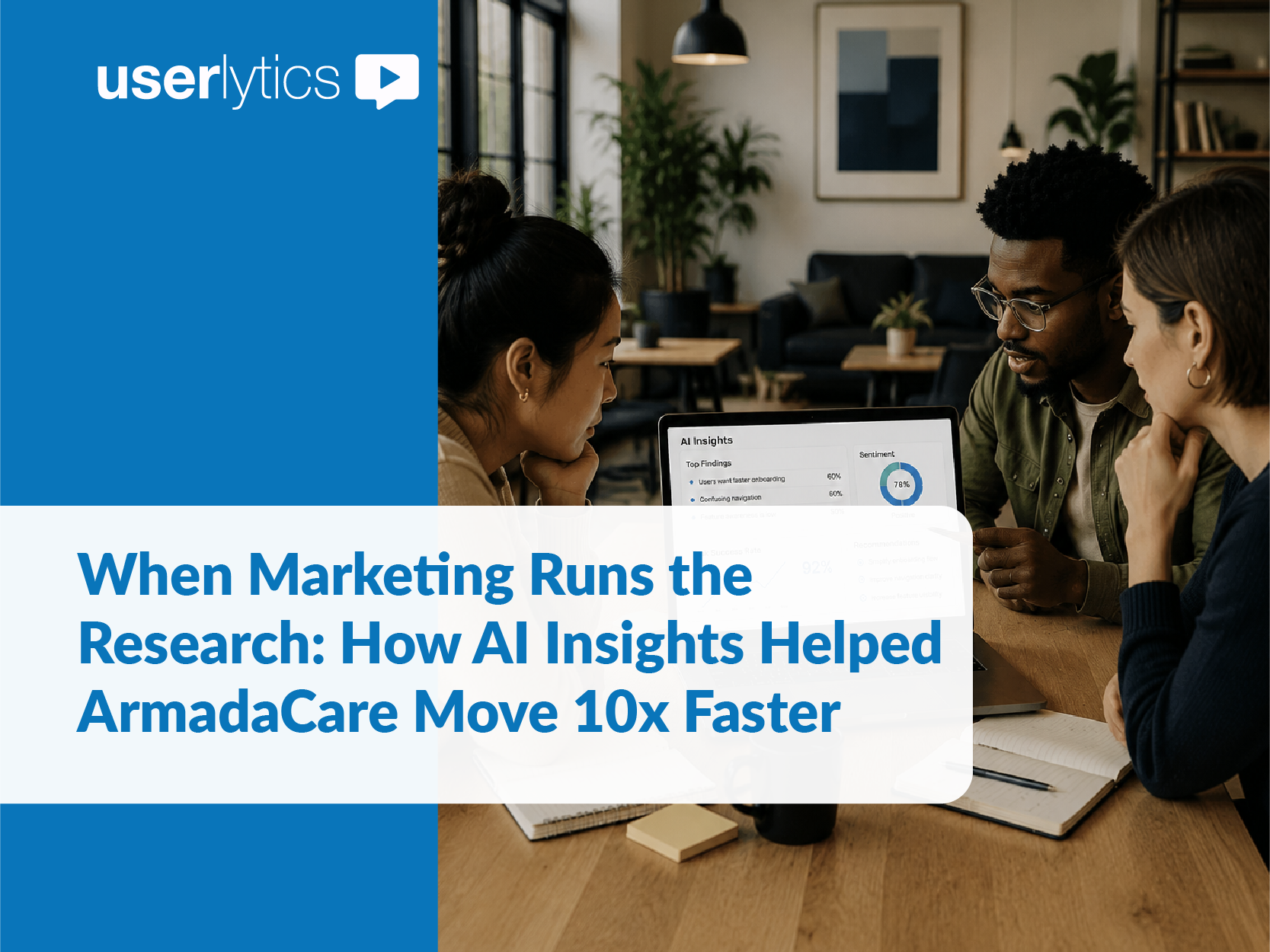
When a two-week usability study landed on a marketing leader’s desk with no research team behind her, she tapped into Userlytics’ UX Consulting for study moderation and AI Insights for analysis, cutting her analysis time by 10X without costing her confidence in the results.
Michelle Johnson isn’t a UX researcher. As VP of Marketing at ArmadaCare, a supplemental health insurance provider, her job is brand experience, not moderating usability sessions or parsing transcripts. But when her company decided to build a new member portal in-house, Johnson reached out to Userlytics to support her with moderation, while she took on analysis and reporting using Userlytics’ AI UX tools to support her.
The Vendor Challenge and How a VP of Marketing Ran UX Research Successfully
ArmadaCare had been partnering with an outside vendor for its member portal and mobile app. When that vendor couldn’t deliver on modifying their platform to meet ArmadaCare’s needs, ArmadaCare decided to build their own, with support from tech consulting company. That decision meant someone had to validate the new design against real member behavior before going too far down a path, and Johnson got to work.
Johnson immediately reached out to Userlytics. She’d used our platform before for a website redesign, and came back for the same reason: an outside, unbiased opinion on whether a new design actually worked for ArmadaCare members, not just our assumptions as to what they want.
“We talk a lot internally about the dangers of drinking your own Kool-Aid. We don’t want to get so close to something that we’re blind to how it lands for other users, just because everyone in the room agrees it’s the best way to go.”
— Michelle Johnson, VP of Marketing, ArmadaCare
Running a Usability Study without a UX Research Team
Johnson set up a two-week study testing a Figma prototype of the new portal with real ArmadaCare members. She received Userlytics UX Consulting support with study creation and session moderation, but attended every session herself, listening in to what users had to say and taking notes. She intended to handle the analysis and reporting on her own, and needed a way to distill two weeks of session data without a dedicated researcher on staff. She also needed to provide updates to her COO, who was away for the entire two weeks but still wanted to stay current on how the study was going. “My COO was actually on vacation while I was conducting these, and she wanted to attend. I assured her that I would share with her all the details,” recalls Johnson.
Once the sessions wrapped up, it was time for her to analyze all the session data, summarize it and write up her report. That’s where AI Insights came in. The Userlytics AI-based UX Analysis feature generates an instant summary of the entire study and lets researchers, or in this case a marketing leader with little research background, ask follow-up questions to distill information. Instead of manually tagging key themes across hours of user recordings, Johnson could surface the patterns in real member behavior with a simple prompt. Having had some experience with AI tools within the company, engaging with the AI assistant was a “straightforward” process for her.
“I think it’s just about the comfort level of using AI and not being afraid of embracing it. Some of it is trial and error too—if you don’t get the type of answer that you were looking for, try it another way, making sure that you’re explaining exactly what you’re looking for,” asserts Johnson.
AI Insights capabilities that made the workflow easier for Johnson as a non-researcher:
A study-wide summary, on demand. Instead of rebuilding the narrative session by session, she started from the Userlytics AI-generated summary of the full study and drilled into the parts that mattered for the portal.
Plain-language questions into the UX AI assistant: Johnson didn’t need research vocabulary to interrogate the data. She asked questions the way she’d ask a colleague, and Userlytics AI Insights answered with what members actually did and said. Every answer could be cited back to the source, providing confidence in the output.
Fact-Checking the AI Against What She Experienced Live
Because she’d watched every session herself, Johnson could check the AI’s read against what she’d personally witnessed during the user testing sessions. That combination of her own observations, plus the AI-powered analysis, is where her confidence in the insights came from.
In one instance, the AI assistant flagged a data point to treat carefully: a member who’d admitted on camera she wasn’t familiar with the technology. Johnson recognized the same thing from sitting in on the session herself, so she prompted the AI to disregard it, since the confusion was not about the portal being tested. “I was able to feed into AI Insights: ‘you can ignore that,’ because that had nothing to do with our results for the actual portal we were testing.” Being aware of what took place during the sessions, she could use Userlytics AI Insights the way it’s meant to be used: get the summary fast, then verify and direct it herself.
Keeping Leadership in the Loop, Minus the Extra Hours
As mentioned earlier, Johnson needed to keep leadership current throughout the study, including her COO, who was out of office for the entire two weeks and was keen to hear how the user testing went the first day she was back.
Aside from coming up with a report based on the key insights compiled with the help of AI Insights, Johnson found that Highlight Reels the perfect tool to provide her COO with study snapshots. “I used the Highlight Reels, the short video clips of key session moments, so she could see real users in their own words instead of reading a secondhand recap,” shares Johnson.
She also built her own quick reference, naming who appeared in each clip, and linking out to their Salesforce records since these were actual ArmadaCare members, so her COO could recognize specific accounts and dig deeper on her own if she wanted to.
To her satisfaction, her COO came back from two weeks out feeling like she hadn’t missed a thing. “I showed her that capability, and she said, ‘That’s perfect. I definitely have the time to go and watch a two or three minute video.'”
The Results: Research Insights 10x Faster for a Successful Member Portal
| Distilling a two-week study | By hand | With AI Insights |
|---|---|---|
| Time to actionable insights | 10 to 20 hours | 1 to 2 hours |
| Dedicated researcher required | Yes | No |
| Confidence in the findings | High | High |
“We don’t have a dedicated researcher in-house, so distilling a two-week study would mean giving up a weekend. With AI Insights, what would have taken me 10 to 20 hours took an hour or two, and I still felt confident in it.”
— Michelle Johnson, VP of Marketing, ArmadaCare
That time savings gave ArmadaCare’s team something even more valuable than hours back: the confidence to move the new member portal forward, backed by real member feedback instead of internal assumptions. “None of it could happen without people,” Johnson says. “You have to have the actual user, you have to have that interviewer. I would never imagine taking that away. AI is a time saver; it’s not taking the place of anything. We still have to think and we still have to oversee and ensure that what AI is telling us is accurate.”
Johnson keeps coming back to Userlytics for that ease. “Userlytics does such a great job that I don’t have to worry,” she says. “I can sit back and focus on what our members are actually telling us.” Picking up AI Insights didn’t take a research background, just a willingness to ask plain questions and try again when the first one didn’t land.
Ready to see what AI Insights can do for your next study? Get started for free
FAQs
Liliana Camacho

Liliana Camacho is a content marketing professional with more than a decade of experience in B2B SaaS and a focus on content writing, corporate storytelling, and thought leadership. At Userlytics, she leads content marketing initiatives and creates research-driven content covering UX research, usability, technology, and emerging trends.