Initiate Inclusivity: Comprehensive Accessibility Testing
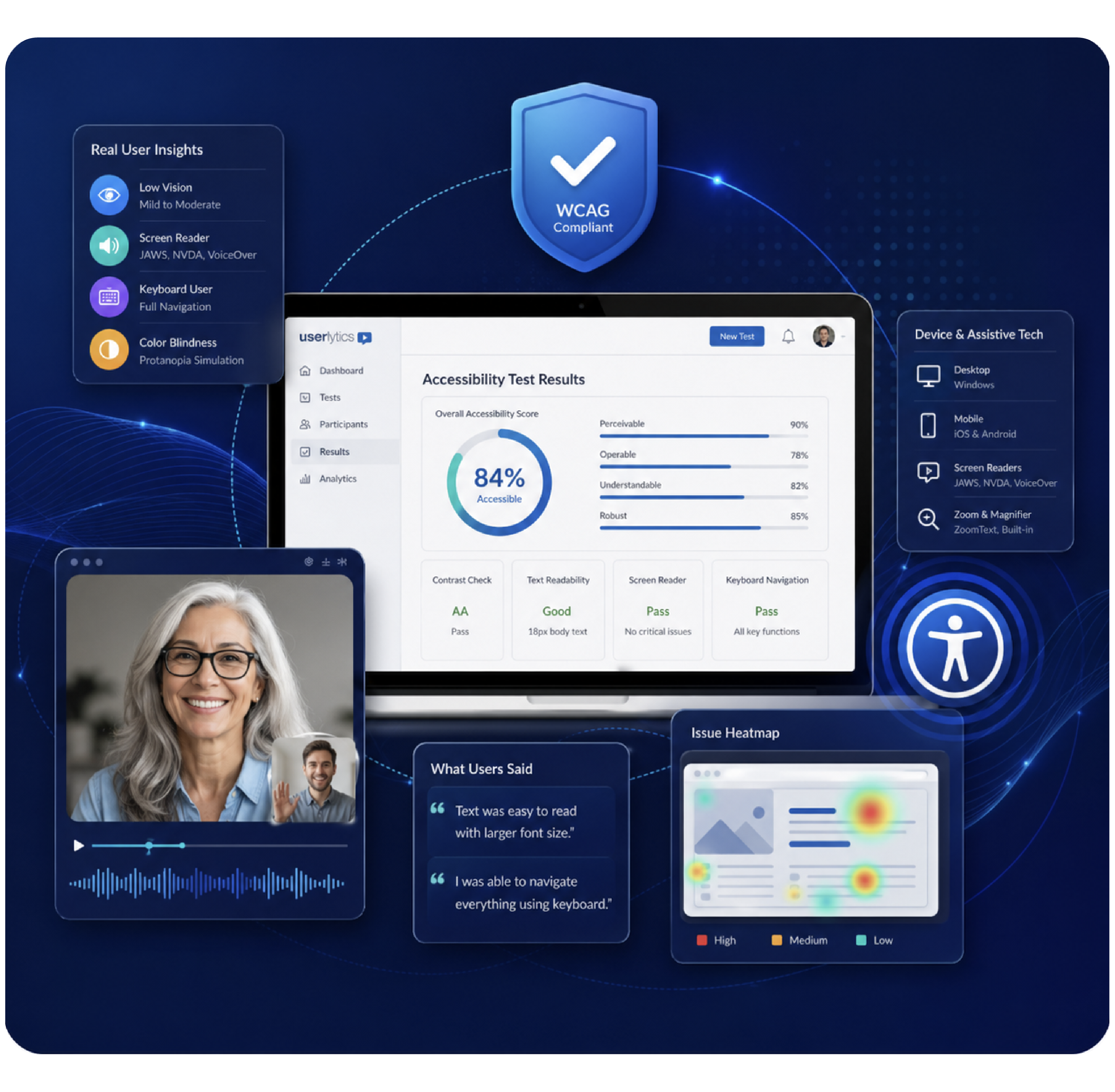
With Userlytics Accessibility Testing you can see how usable your interfaces are for consumers with mild to moderate low vision. Utilize this feature to ensure your app or website works well for participants whose needs are typically underrepresented in research.
Demonstrate Customer Care with Accessibility Testing
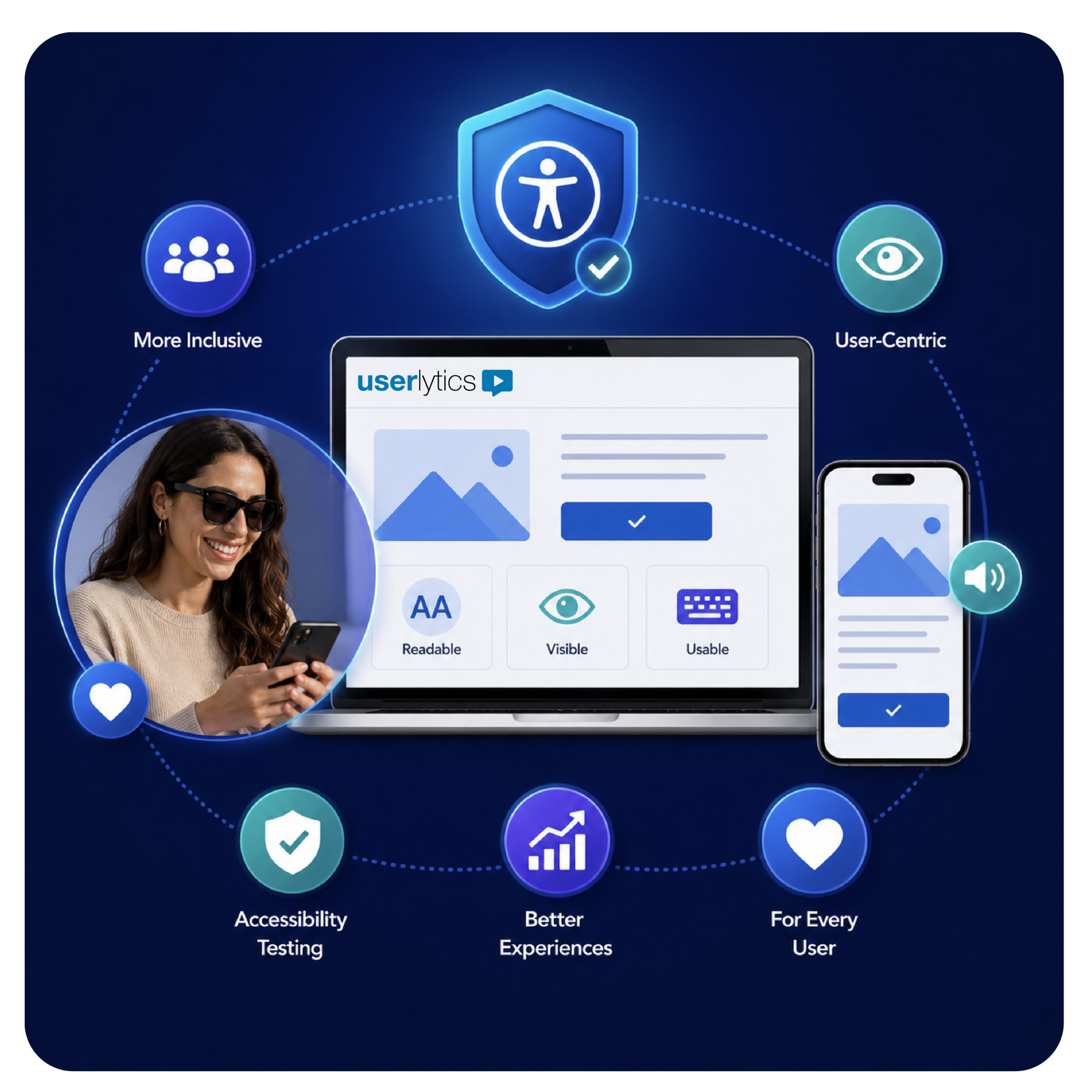
When you use Accessibility Testing you are opening your interface to a more comprehensive study while building your platform to be more inclusive. Accessibility Testing also helps to ensure that your interfaces are user-centric by capturing how participants with visual impairments experience your site or app, so their needs are considered alongside those of your broader audience when developing these digital experiences.
At Userlytics, unmoderated studies are supported for mild to moderate low vision only and are not compatible with screen readers or other accessibility devices.
Why Should You Implement Accessibility Testing?

Promotes
Inclusivity:
Accessibility testing promotes inclusivity by ensuring that your studies and platform are accessible to a wider range of users. By considering the needs of individuals with disabilities, you create a more inclusive environment for all users.

Encourages
Equity:
Incorporating accessibility testing into your user experience research tools helps uncover potential inequalities and biases in your design. By actively engaging with all segments of your target audience, you contribute to providing an equitable experience for everyone.

Expands Global
Reach:
Ensuring Accessibility Testing in your product or service for users from diverse backgrounds, languages, and with different accessibility requirements is imperative if your target is a global audience. This approach enables you to reach and engage with a broader range of users worldwide.

Builds User-
Friendliness:
By prioritizing Accessibility Testing in your design, you guarantee that all members of your target audience have equal access to your product or service. This fosters a user-friendly experience that can be enjoyed and utilized in various settings, catering to the diverse needs of your users.
Need Special Accommodations for Your Accessibility Testing Study?
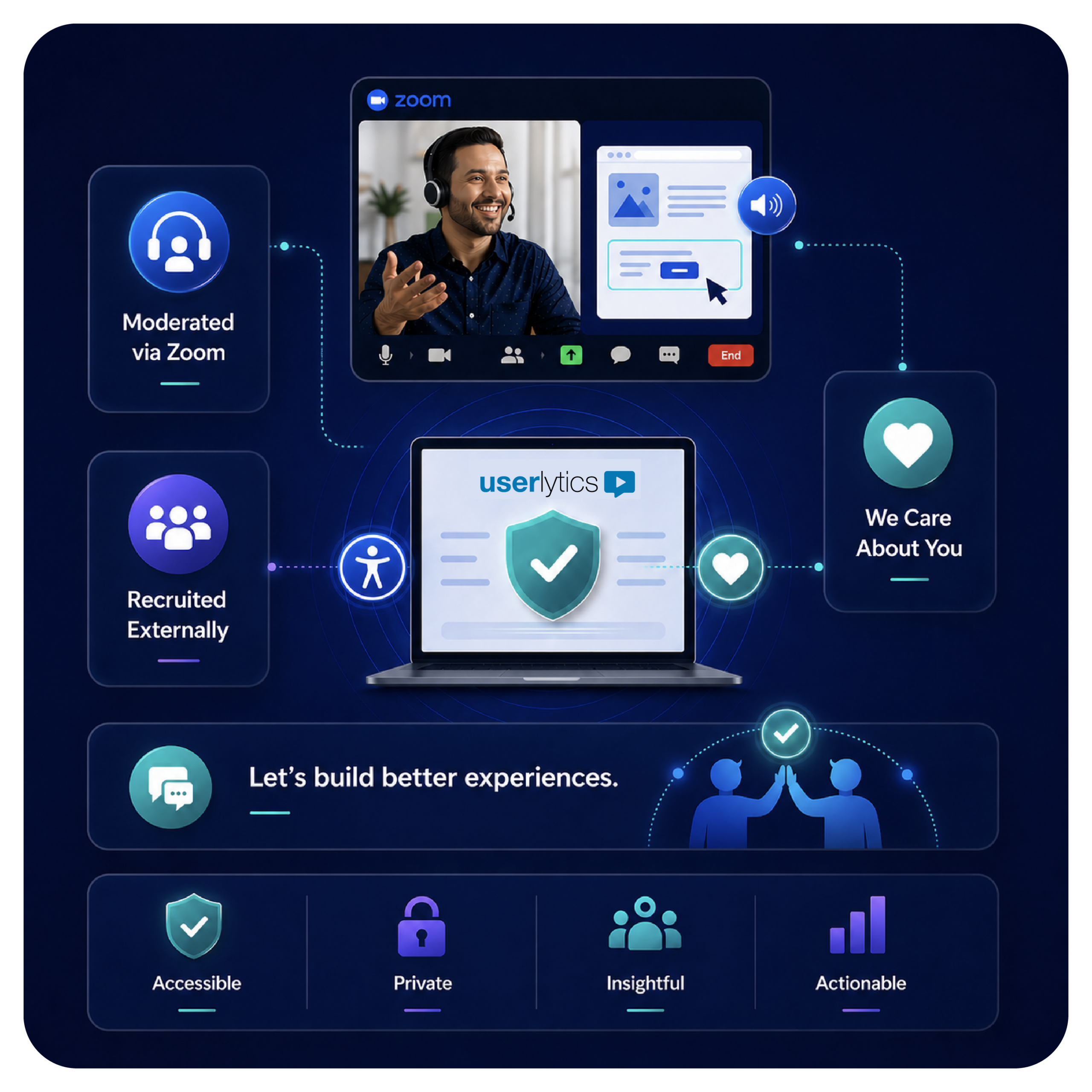
We know that every business has a unique customer base – some that may require specially designed accommodations. For participants with severe visual impairment, studies are conducted on a moderated-only basis via Zoom, with the project manager interacting with the platform on the participant’s behalf since our platform is not compatible with accessibility devices. These participants are recruited externally and manually booked.
We want to ensure that every customer’s needs are heard, and that your digital product’s user experience is excellent for everyone, especially through Accessibility Testing.
Ask us how we help you design and conduct a specialized usability study with your users’ accessibility needs top of mind.
Q&A
- Automated Testing: Use software tools like Axe, WAVE, or Google Lighthouse to scan your website for common Accessibility issues. These tools can quickly identify problems such as missing alt text, poor color contrast, and improper ARIA attributes.
- Manual Testing: Supplement automated tests with manual checks to ensure compliance with standards like WCAG. This involves navigating your site using keyboard-only controls to mimic the user experience of people with disabilities.
- User Testing: Involve real users with disabilities in the testing process to gain firsthand insights into the usability of your website, a step that automated tools cannot fully capture.
- Remediation and Re-testing: Address the identified issues and then re-test to ensure all problems have been resolved. Continue this process iteratively to enhance the Accessibility of your site. Please note: the Userlytics platform is not currently compatible with screen readers or other accessibility devices for unmoderated studies.
Let’s work together on your
next UX study
Create positive user experiences and keep customers loyal to your product and brand.